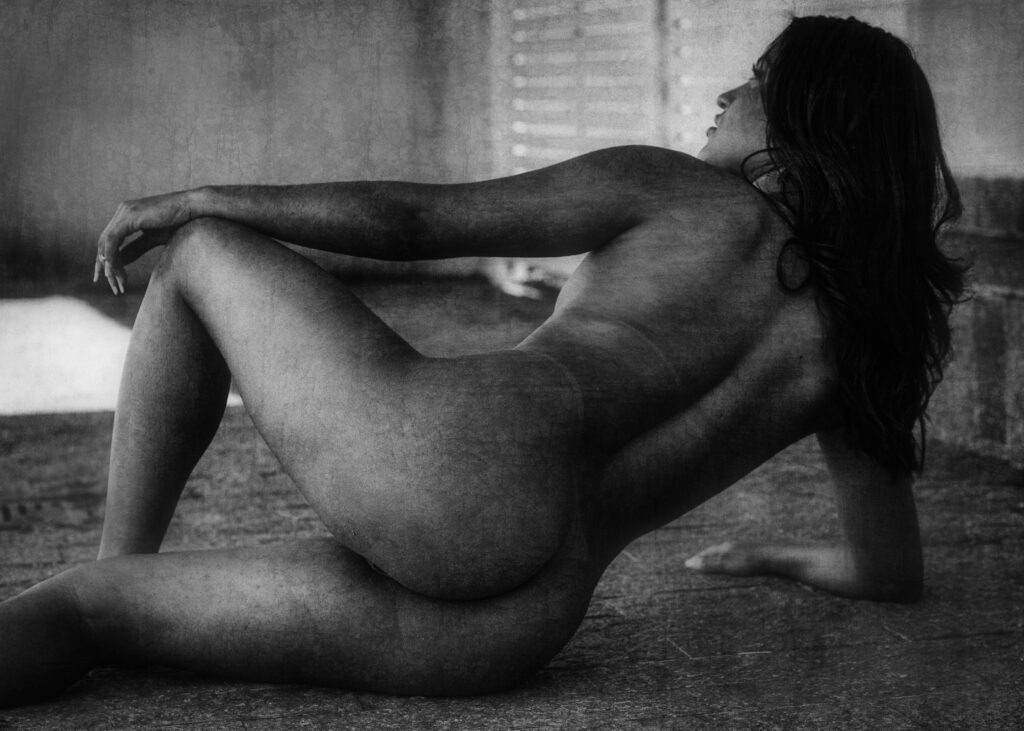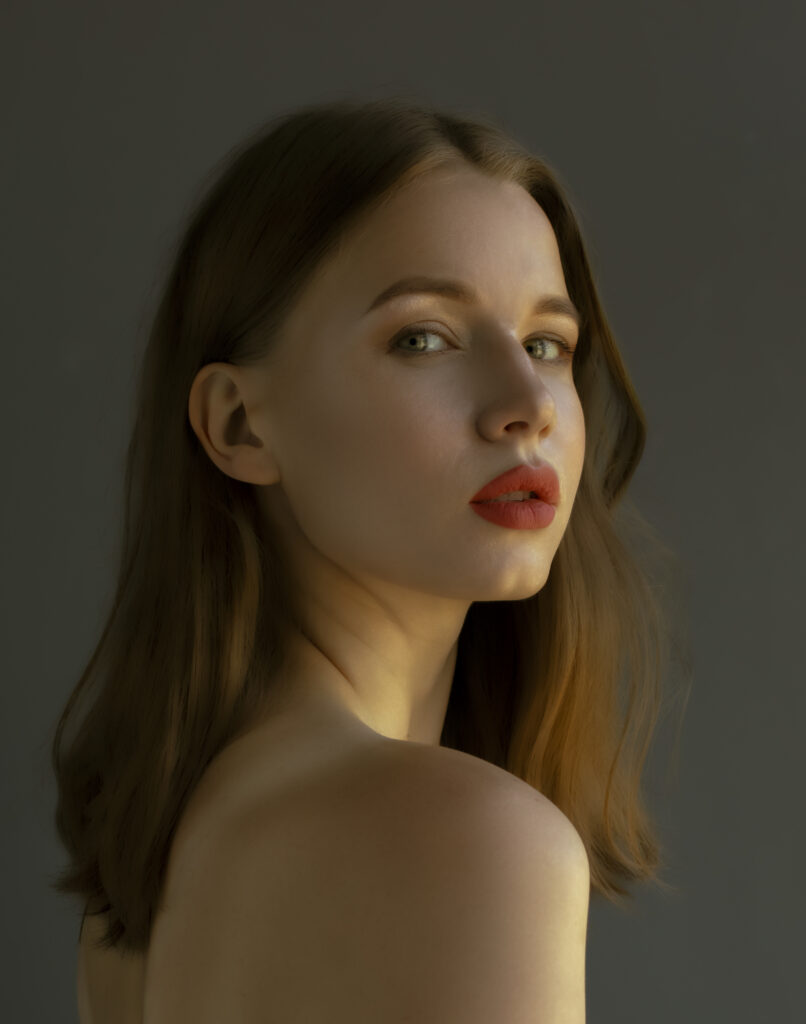
Professional beauty retouching is not about changing a person. It is about controlling the visual language of the image.
In this new free video on my Patreon, I show a complete Beauty Photoshop Retouch workflow focused on three essential elements: skin, light and color.
These three decisions can completely change how a photograph is perceived. A sensual portrait can look amateur, flat or visually noisy when the skin texture is uncontrolled, the light has no direction and the color feels disconnected from the mood of the image. But when these elements are treated with precision, the photograph gains presence, elegance and impact.
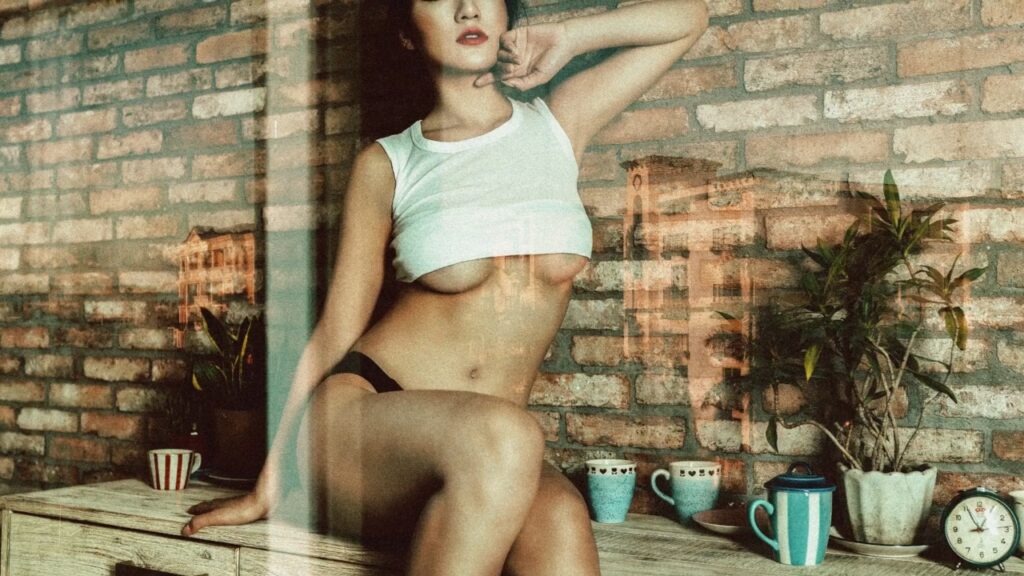
In this Photoshop retouching session, I work on a beauty image with a sensual editorial atmosphere. The process focuses on refining the photograph without destroying its natural appeal.
The video covers:
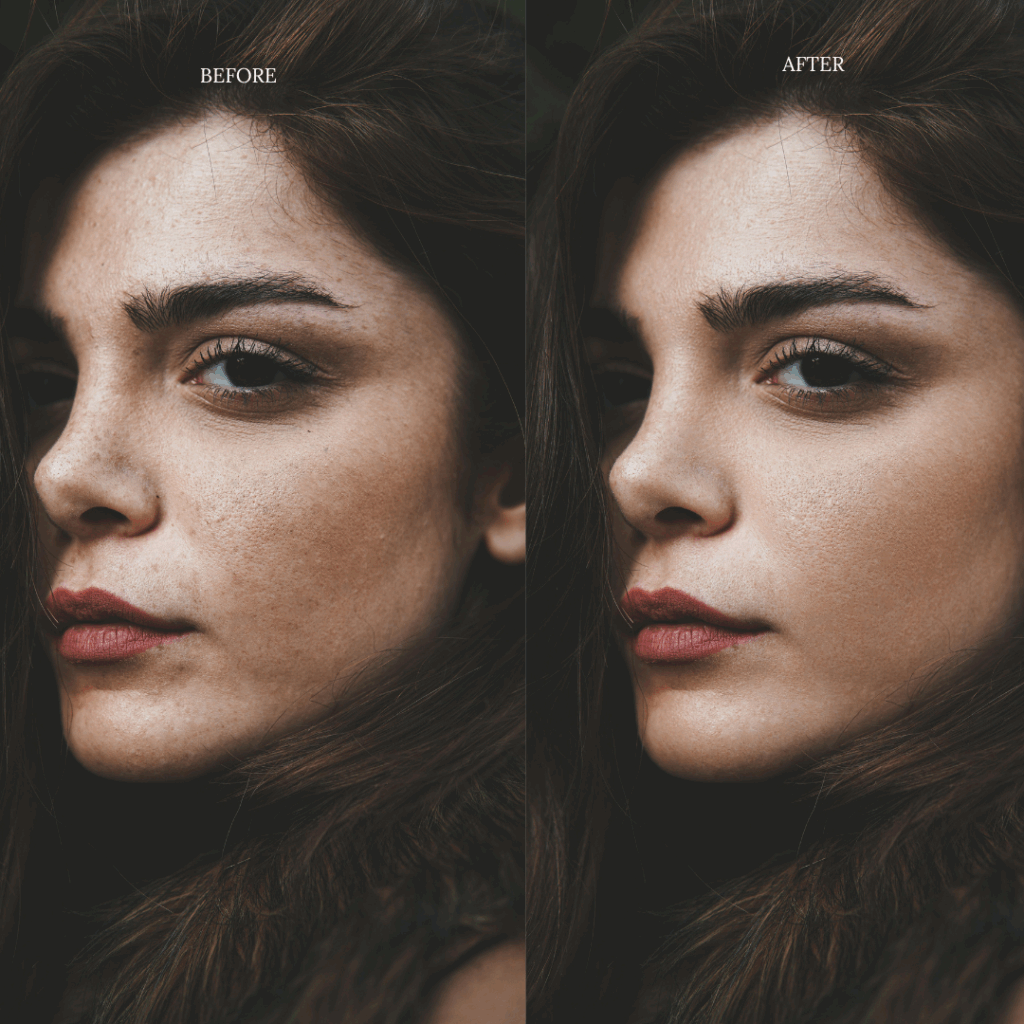
Skin retouching with attention to texture, tone and visual cleanliness.
Light control to improve dimension, highlights and facial structure.
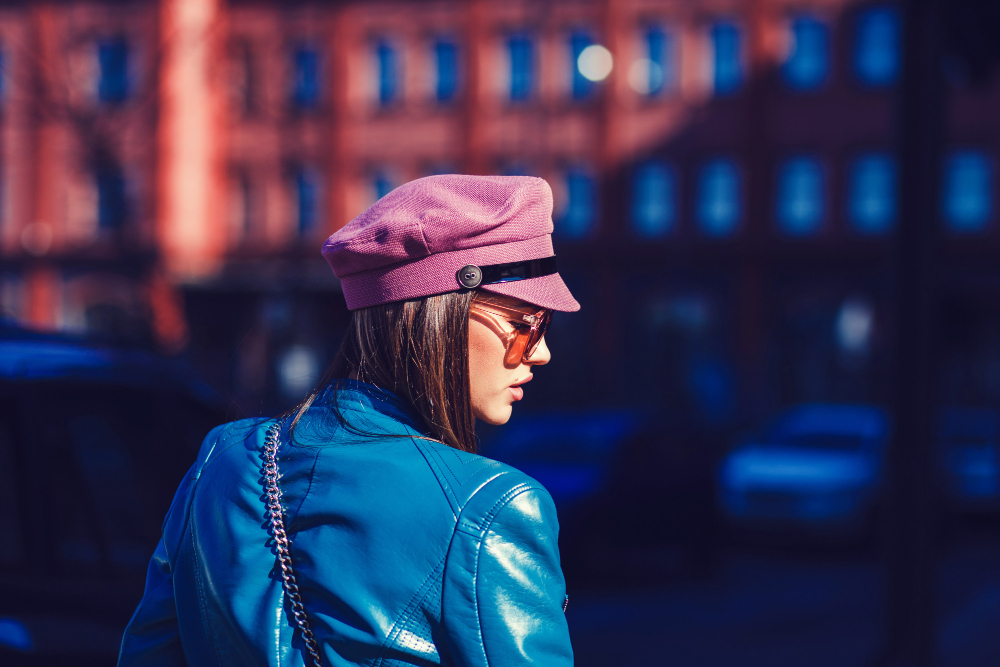
Color grading to create a more luxurious and polished beauty photography finish.
The goal is to make the image feel more intentional, more refined and more visually powerful, while keeping the model recognizable and preserving the emotional quality of the original portrait.
Why Skin Retouching Matters
Skin is one of the first things the viewer notices in beauty photography, lingerie photography and sensual model portraits. Poor retouching can make the skin look plastic, artificial or lifeless.
Professional skin retouching requires balance. The image must look polished, but still believable. Texture matters. Shadows matter. Small transitions between light and skin tone matter.
In the video, I show how subtle adjustments can clean the image while maintaining a high-end photographic look.
If you are interested in beauty Photoshop retouching, model retouching, sensual photoshoot editing, skin retouching, lingerie photo editing, glamour retouching or high-end portrait retouching, this video will show you how small technical decisions can create a much stronger final image.
Private Creative Archive
Go Deeper Inside Hueb Arts Private Membership
Unlock private photo retouching videos, fine art editing workflows, Camera Raw presets, PDF manuals, visual studies and exclusive creative tools created for photographers, retouchers, visual artists and image creators.
- Private Photoshop retouching tutorials
- Fine art photography editing workflows
- Camera Raw presets and PDF manuals
- Exclusive visual studies and creative tools
Photo retouching, fine art editing and uncensored creative workflows.